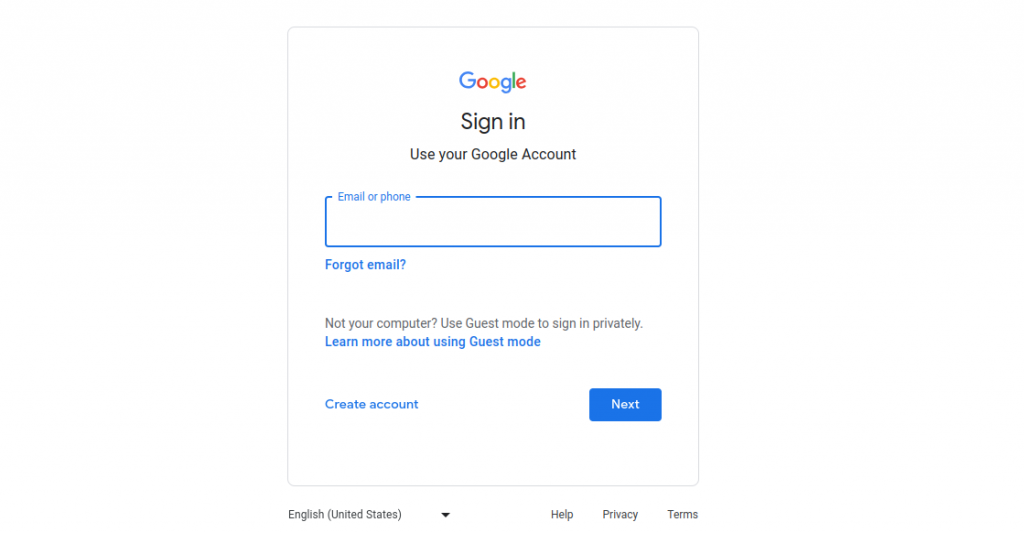
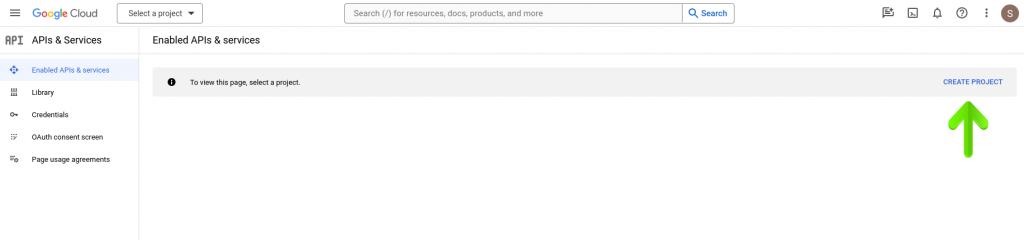
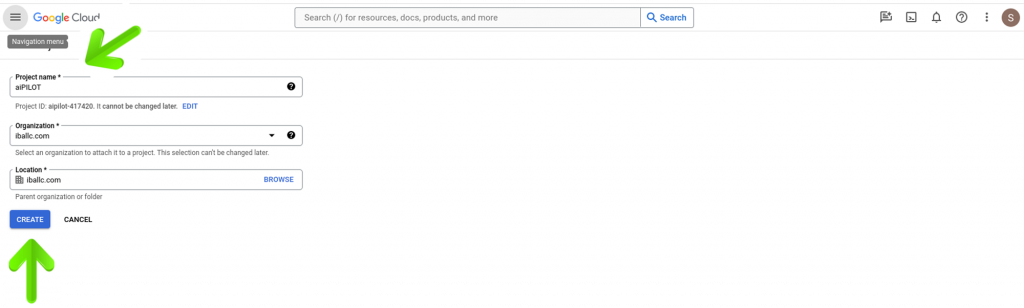
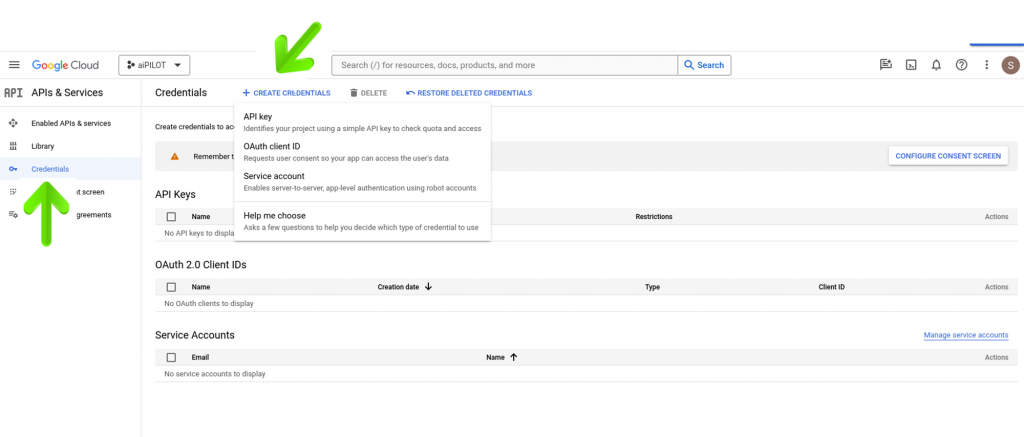
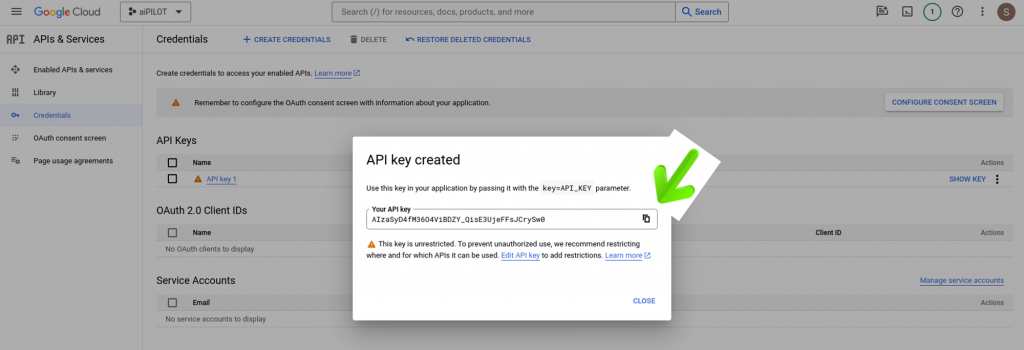
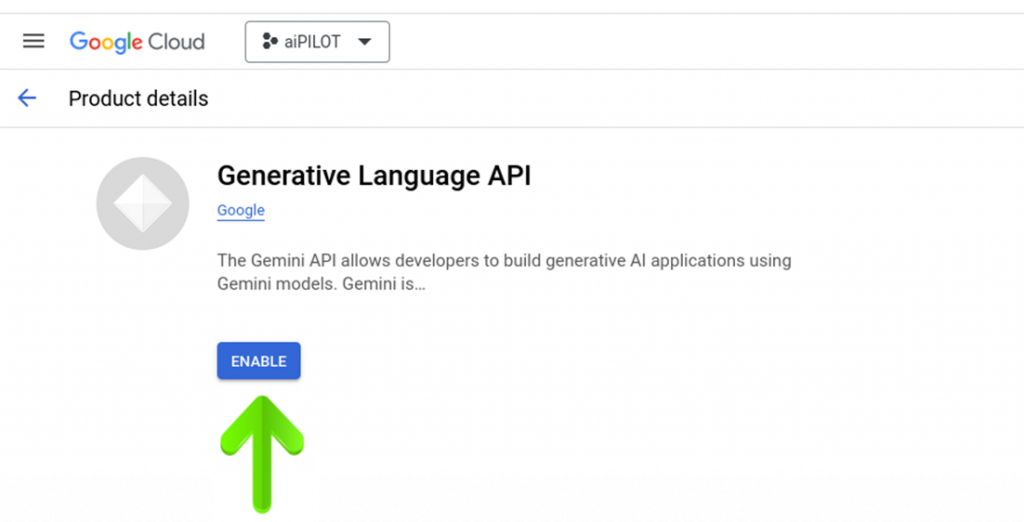
Google API Activation Steps Important Note:Create/Sign in to your Google Account https://accounts.google.com/ Step 1 1. Click on “CREATE PROJECT” and name it, for example aiPILOT. If you have previously created a project, go to Step #3. Step 2 2. Enter the project name, for example, “aiPILOT” and click on “CREATE”. Step 3 3. Click on “Credentials” then click on “CREATE CREDENTIALS” and then click on “API Key”. Step 4 4. Copy the API Key for pasting it in aiPILOT and click on “CLOSE”. Step 5 5. Click on the URL below, when the page loads click on “ENABLE” to enable your API Key.https://console.developers.google.com/apis/api/generativelanguage.googleapis.com/overview